15 Lightweight HTML5 Games for Websites With Limited Bandwidth
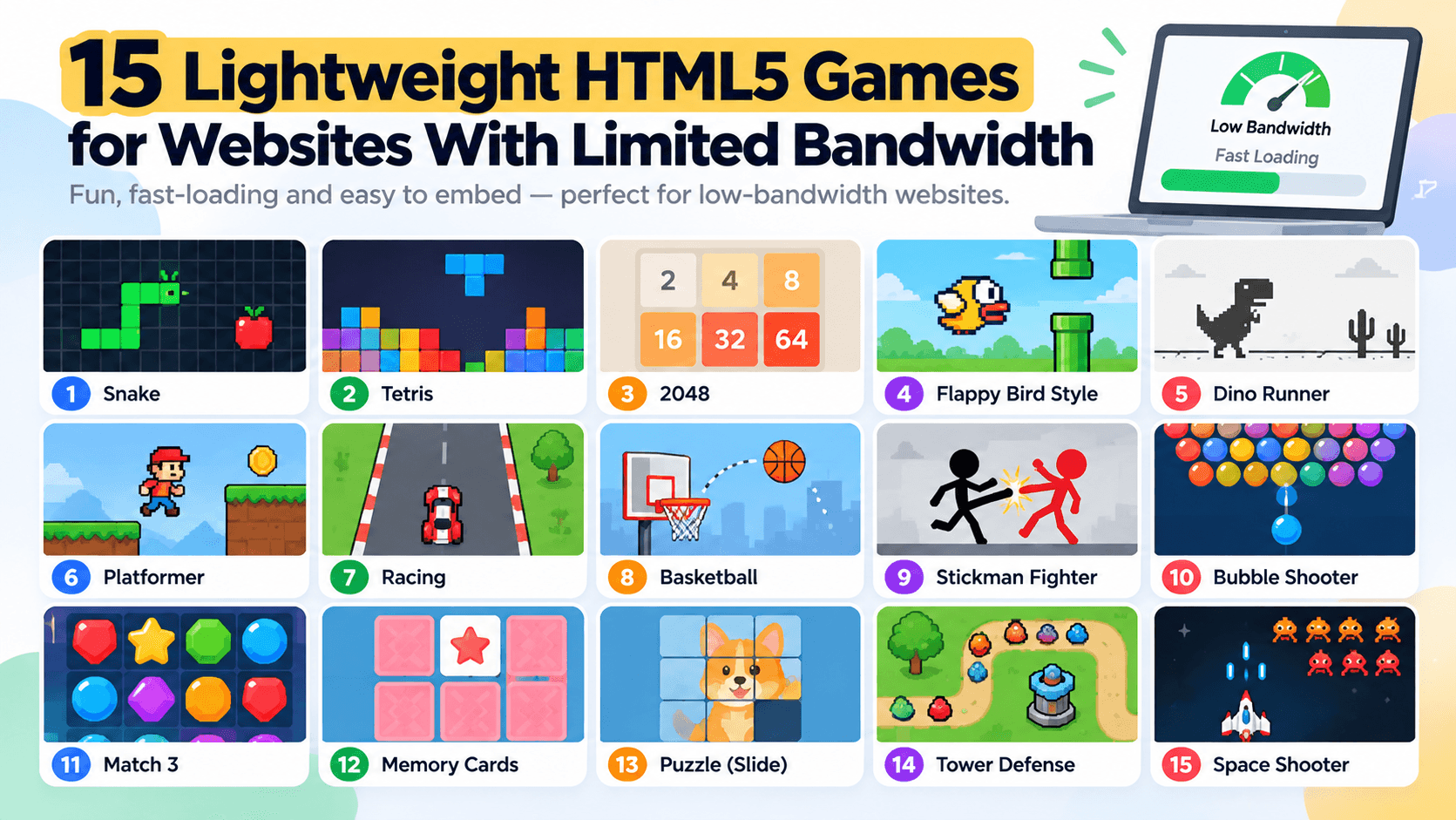
The 15 lightest games we measured need only 16 to 44 KB of game files, but opening any of them for the first time still moves about 1.6 MB, because the embed page itself is heavy. If bandwidth matters to you or your visitors, both numbers matter, and the second one matters more. Here is the ranking, how we got it and what to do about the 1.6 MB.
The ranking
We opened the embed pages of 90 games from PlayKovo's catalog in Chrome 155 on 16 October 2026 with an empty cache, pressed play and counted the bytes transferred after the click. The list below is the 15 lightest among games that are declared for desktop and mobile, started on both (a canvas appeared) and caused no horizontal overflow on a phone profile.
| # | Game | Genre | Layout | Game files (KB) | Whole first visit (KB) | Repeat visit (KB) | Console errors |
|---|---|---|---|---|---|---|---|
| 1 | Rainbow Run | Adventure | Landscape | 16 | 1,639 | 35 | 1 |
| 2 | 13th Guy | Arcade | Landscape | 17 | 1,603 | 34 | 1 |
| 3 | Dye Hard | Action | Either | 20 | 1,729 | 35 | 1 |
| 4 | Digger | Arcade | Portrait | 21 | 1,622 | 35 | 1 |
| 5 | 13th Floor | Adventure | Landscape | 22 | 1,615 | 35 | 1 |
| 6 | Stolen Sword | Action | Portrait | 22 | 1,616 | 35 | 1 |
| 7 | Blade Spin | Arcade | Either | 33 | 1,625 | 230 | 0 |
| 8 | Lance Arena | .io arena | Landscape | 36 | 1,617 | 230 | 0 |
| 9 | Land Grab 3D | .io arena | Landscape | 38 | 1,660 | 34 | 0 |
| 10 | Sumo.io - Push Them Off | .io arena | Landscape | 40 | 1,668 | 35 | 1 |
| 11 | Crowd Clash 3D | .io arena | Landscape | 41 | 1,661 | 36 | 0 |
| 12 | Turf.io - Claim the Land | .io arena | Landscape | 41 | 1,646 | 35 | 0 |
| 13 | Burrow Worms | .io arena | Landscape | 41 | 1,689 | 35 | 0 |
| 14 | Splat.io | .io arena | Landscape | 43 | 1,680 | 35 | 0 |
| 15 | Hop.io | .io arena | Landscape | 44 | 1,684 | 36 | 0 |
Game files is the data downloaded after pressing play. Whole first visit adds the embed page before play. Repeat visit is a second visit with a warm cache. Console errors are red console messages on desktop, which are not a quality score.
The catch: the first open dominates
Look at the "Whole first visit" column. It barely moves: all 15 are between 1.60 and 1.73 MB. The game files are 16 to 44 KB, about 1 to 3% of the visit. The remaining 98% is the embed page that loads before play, in particular third-party scripts such as ad and analytics libraries. Across all 90 games the median first open was 1.61 MB, with a range of 1.40 to 1.71 MB, and about 1.3 MB of a whole visit came from hosts other than PlayKovo's.
What this means in practice:
- Choosing the lightest game does not make the first open light. It makes the second step (playing) light.
- The savings are in not loading anything until it is needed. Click-to-play cards cost 0.00 MB on arrival in our test, against 1.56 MB for four embeds loaded at once. See how to keep games from slowing your site.
- Repeat visits are tiny. With a warm cache these games transferred 34 to 36 KB in total, and some about 230 KB. A returning player is cheap.
Why file size differs so much
From the game files in all 90 measurements:
| Statistic | Game files |
|---|---|
| Median | 203 KB |
| Mean | 1,292 KB |
| Heaviest | about 19.9 MB |
The mean is six times the median because of a few giants. The heaviest games, six .io-style titles served from their own studio sites plus an arcade game, a merge game, a word game and a dress-up runner, move between 4 and 20 MB. If your visitors are on slow mobile data, avoid those, and our list of the heaviest tells you which they are: the ten heaviest ranged from about 4.4 MB to 19.9 MB. The 16 KB at the top of the ranking above is the lightest game that started with a canvas on both desktop and phone.
What "lightweight" does not tell you
- A small file is not a good game. We ranked by bytes, not fun. Play before you publish.
- Light games may be short on content. 16 KB of game files means simple graphics and few assets.
- Console errors appear in light games too. Eight of the 15 above logged none; the other seven logged one each, usually a blocked script.
- We measured on one fast desktop connection. On a throttled phone, timings will differ a lot. Use bytes as the guide.
Three ways to use this list
- For a site on slow connections: pick from the top of the list and use click-to-play so no game loads until asked.
- For a mixed audience: use a few light games as the default set and keep heavier, richer games lower down.
- For a games page with many titles: do not rely on game weight alone. Limit how many frames load at once.
How to repeat the measurement on your own games
- Open the browser's developer tools and the Network tab. Disable cache.
- Load the embed address of the game and note the transferred size.
- Press play and note the additional transfer.
- Enable cache, reload and note the repeat-visit size.
Do it for five games and compare with the table. Our measurement approach describes how we automated it.
Games from the list to try
Two of the lightest, both landscape and declared for phones:
Try it live · PlayKovo catalog
 DesktopsupportedMobilesupported
Shove your rivals off a shrinking sumo platform in this fast and funny .io brawler. Bump, dash and outsmart the crowd to be the last fighter standing, then spend your coins on hats and…
Try it live · PlayKovo catalog
 DesktopsupportedMobilesupported
Leave your land, draw a trail and loop back to claim territory — but don't let rivals cut your trail!
Summary
- 16 to 44 KB: the weight of the lightest game files we measured.
- About 1.6 MB: the cost of opening any embed the first time, regardless of the game.
- About 35 KB: the cost of a repeat visit for most games.
- The best optimization is to wait until the visitor chooses to play.
Related Posts

How We Built Jolopi, a Game Portal That Runs on the PlayKovo Catalog
A developer diary on Jolopi, a visual-first HTML5 game hub fed entirely by PlayKovo's catalog JSON: the cached sync, the plain Node server, and the multilingual SEO setup, as a template for website owners.
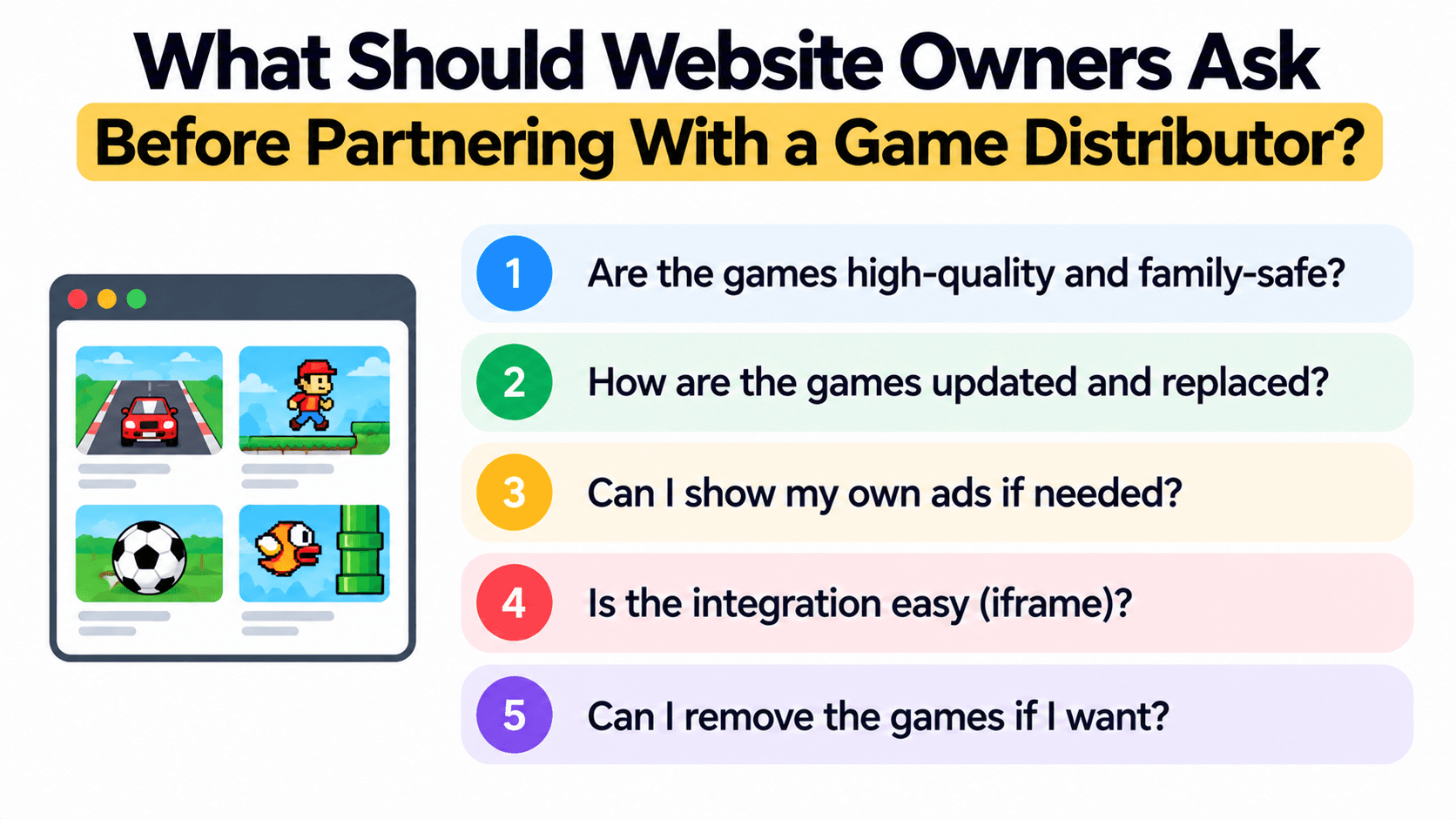
What Should Website Owners Ask Before Partnering With a Game Distributor?
Fourteen questions to put to any game distributor, grouped by what they protect, with the answer PlayKovo's published partner terms give for each one, so you can see what a clear answer looks like and compare any provider against it.
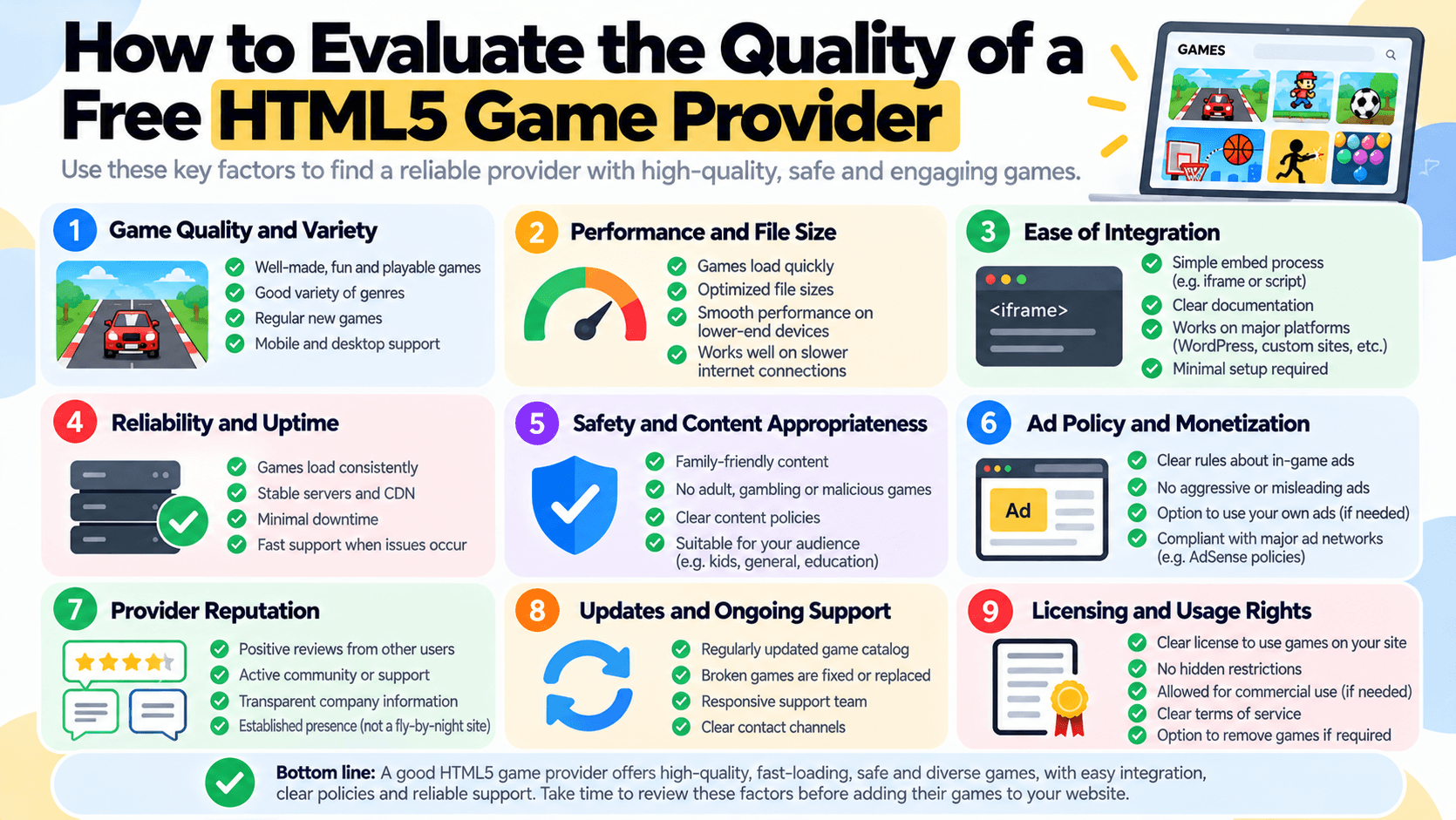
How to Evaluate the Quality of a Free HTML5 Game Provider
A weighted evaluation matrix you can copy, with tests you can run yourself for each criterion (feed completeness, embed health, framing, game weight, errors), and a worked example of the tests on PlayKovo's public feed. No competitors are scored.