Where to Find Game Assets for a Browser Game: Free, Paid and Licensed Right
If you are asking where to find game assets for a browser game, the short answer is this: use a public-domain library such as Kenney for quick prototypes, a community archive such as OpenGameArt when you need a specific item and can follow its license rules, and a single-style library such as GameDeveloperStudio when you want a whole game to look like one piece of work. The right pick depends on how much consistency, licensing certainty and budget you need. Here is how each option works, based on what each site says about itself.
Start with the question of license
Before you download anything, decide what you need from the license. Three questions cover most cases:
- Can I use this in a commercial game, including one with ads?
- Do I have to credit the artist?
- Can I edit the art?
Keep a note of the answers for each asset you use. When you submit a game to a catalog, or sell it, you may be asked to confirm that you have the right to distribute every piece of artwork, music and code in it. A folder with the license text and a source link for each pack makes that a two-minute job.
Public-domain packs: Kenney
Kenney offers thousands of free game assets across 2D, 3D, UI, audio, pixel art and textures. Its support page says all game assets on the asset pages are public domain (CC0), that you can use them in commercial projects, and that attribution is not required. If you do want to credit the author, it asks you to mention "Kenney" and to leave the logo out.
This is the lowest-friction option. CC0 packs suit game jams, prototypes and any project where you do not want to track attribution text. The trade-off is that free assets are widely used, so your game may look familiar, and mixing packs from different series can leave visual seams.
Community archives: OpenGameArt
OpenGameArt is a large community archive covering 2D art, 3D art, textures, music, sound effects and more. It is the place to look when you need one specific thing, such as a particular sound or a texture.
The important detail is that licenses vary from submission to submission. The site's FAQ says you can use the art, even in commercial projects, as long as you adhere to the license terms. Artists often state how they want to be credited in the attribution notice on the submission page, so read that notice every time. If none is given, the FAQ suggests crediting the asset and its author in your game's credits.
OpenGameArt rewards patience. It is ideal for filling gaps, but assembling a whole game from many unrelated authors takes extra work to make everything match.
Single-style libraries: GameDeveloperStudio
GameDeveloperStudio is a 2D library built by one artist in one hand-drawn style. It advertises more than 50,000 assets, with characters, creatures, top-down tilesets, props, backgrounds, icons and GUI kits. It offers both paid and free packs, states a no-AI policy, and has a free browser editor for changing the art.
Its license page applies to free and purchased assets alike. In summary: commercial use is allowed, attribution is not required, you can modify the assets and share them with contractors you hire, and you can publish on as many platforms as you like under your name or company name. Redistribution, resale and use in templates are not allowed. We cover the details in our guide to GameDeveloperStudio.
This is the option for teams who care more about a coherent look than a zero budget. When knights, animals, tilesets and inventory icons all come from the same style, the game looks deliberate. Prices and free packs change, so check the store on the day you decide.
Quick comparison
| Source | Cost | Credit required | Best for |
|---|---|---|---|
| Kenney | Free | No (CC0) | Prototypes, jams, quick starts |
| OpenGameArt | Free | Depends on each submission | Specific items, music, sound effects |
| GameDeveloperStudio | Free and paid packs | No | Whole games in one 2D style |
Match the asset to the browser
Whichever source you choose, a browser game has constraints a desktop game does not:
- File size. Players wait for assets to load. Trim empty space around sprites and resize art to the size it appears on screen.
- Spritesheets. Pack animation frames together so the game makes fewer requests.
- Touch. Check that icons and buttons are large enough to tap on a phone.
- Sound. Keep audio files short and compressed, and give players a mute button.
Our checklist for what makes a good HTML5 game catalog listing explains what reviewers care about, and it includes the quality bar assets help you reach.
Do not skip the credits file
Even when attribution is not required, a plain text file listing each pack, its source URL and its license saves you later. It helps if a store asks about ownership, if you hand the project to a collaborator, or if you come back to a game a year later and cannot remember where a sprite came from.
Try it
Browse the library at GameDeveloperStudio, then send your finished game to PlayKovo when it is ready for players.
Related Posts
GameDeveloperStudio: A 2D Asset Library Built Around One Art Style
A guided read of GameDeveloperStudio, a hand-drawn 2D asset library with free and paid packs, a clear license and a free browser editor, plus what to check before you use its art in a browser game.
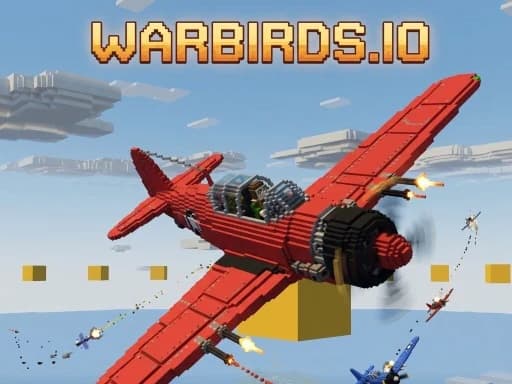
Warbirds.io Beginner's Guide: Your First Sortie, Controls and Tips
A practical starter guide to Warbirds.io, the free browser dogfighter: how the first sortie works, the controls worth learning first, and how a round of Crimson versus Cobalt is won.
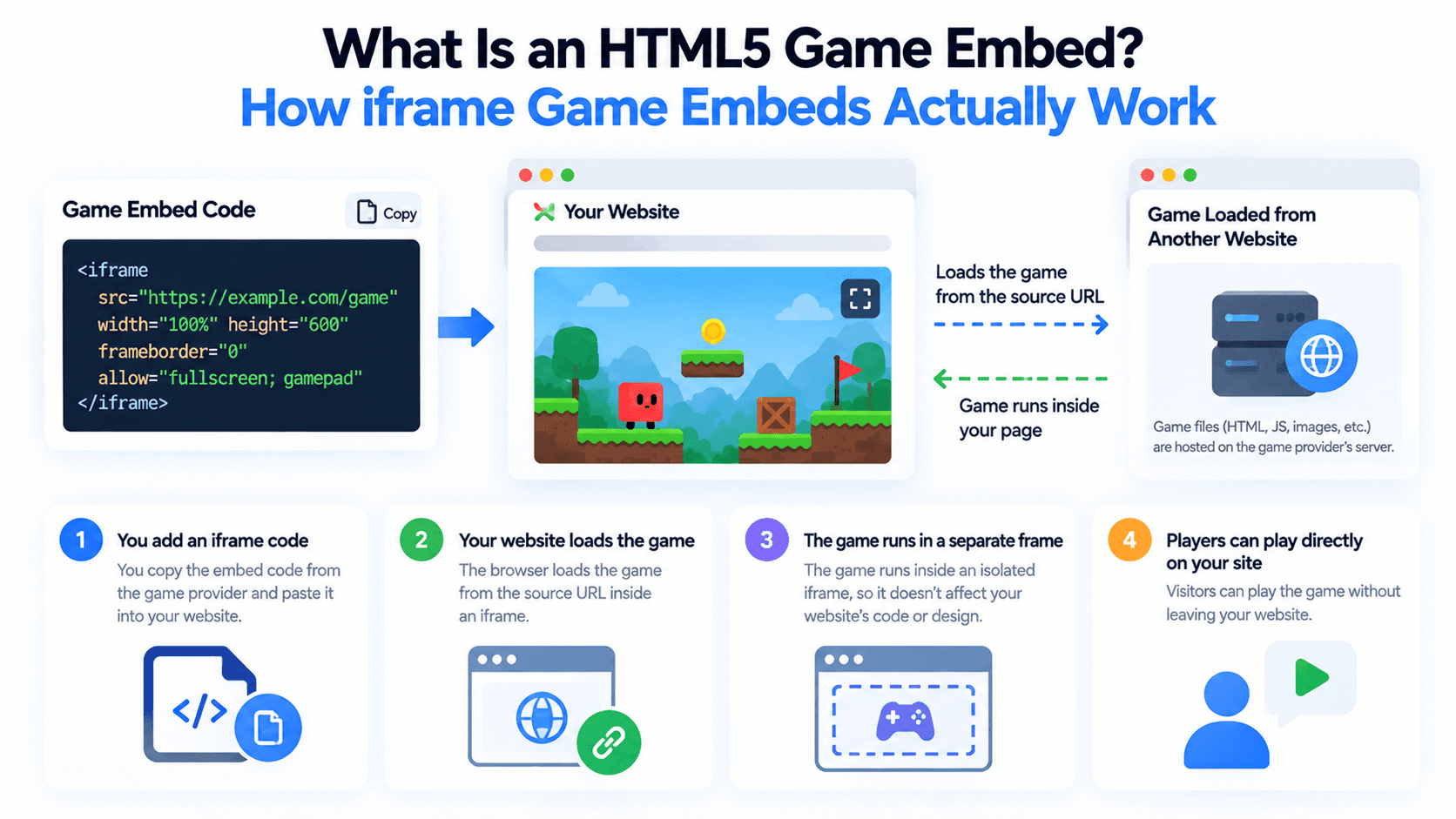
What Is an HTML5 Game Embed? How iframe Game Embeds Actually Work
Adding a free game to your site usually means embedding an iframe pointed at someone else's server. Here's what's actually happening under the hood, and what the src, allow, and sandbox attributes control.